This article will take you through the process of setting up DNSSEC for your domain names.
Please note, for us to fully support DNSSEC we require that both the domain name and the DNS Hosting for that domain name is done via RS Host. We can setup DNSSEC for you if the DNS is hosted elsewhere, however we will not be able to fully support and issues with the generated DNSSEC records.
Step 1 - If your DNS is with RS Host
You will first want to login to your control panel from the client portal.
Once logged in go to the Zone Editor under the Domains section.
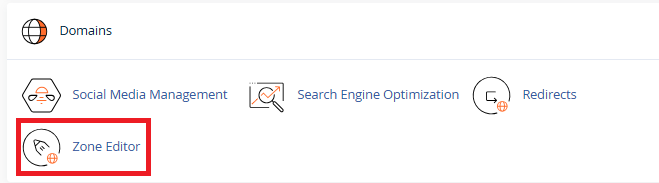
You will then be given a list of your domain names. Click on DNSSEC for the domain name you wish to setup DNSSEC for.
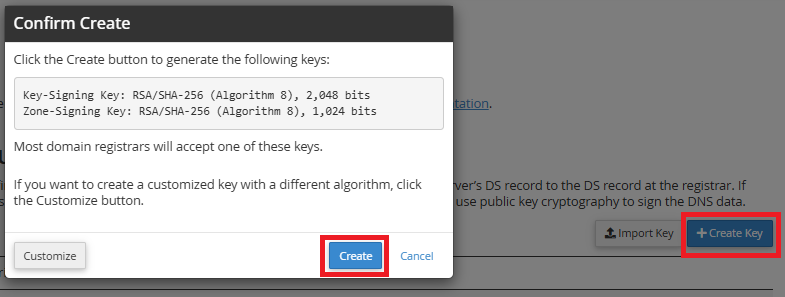
Click on Create Key in the top right hand corner of the screen and then click on Create on the second window that opens up.
Step 2 - Let us know you wish to setup DNSSEC
Once you have the keys for DNSSEC login to your client portal and submit a support ticket and let us know the domain name you wish to setup DNSSEC for. If we host your DNS then we will do the rest for you. If your DNS is hosted externally then we may require more information from you.